

Signing in
Access is currently invite-gated.1
Enter your invite code
On the sign-in screen, enter your invite code and press “Continue”.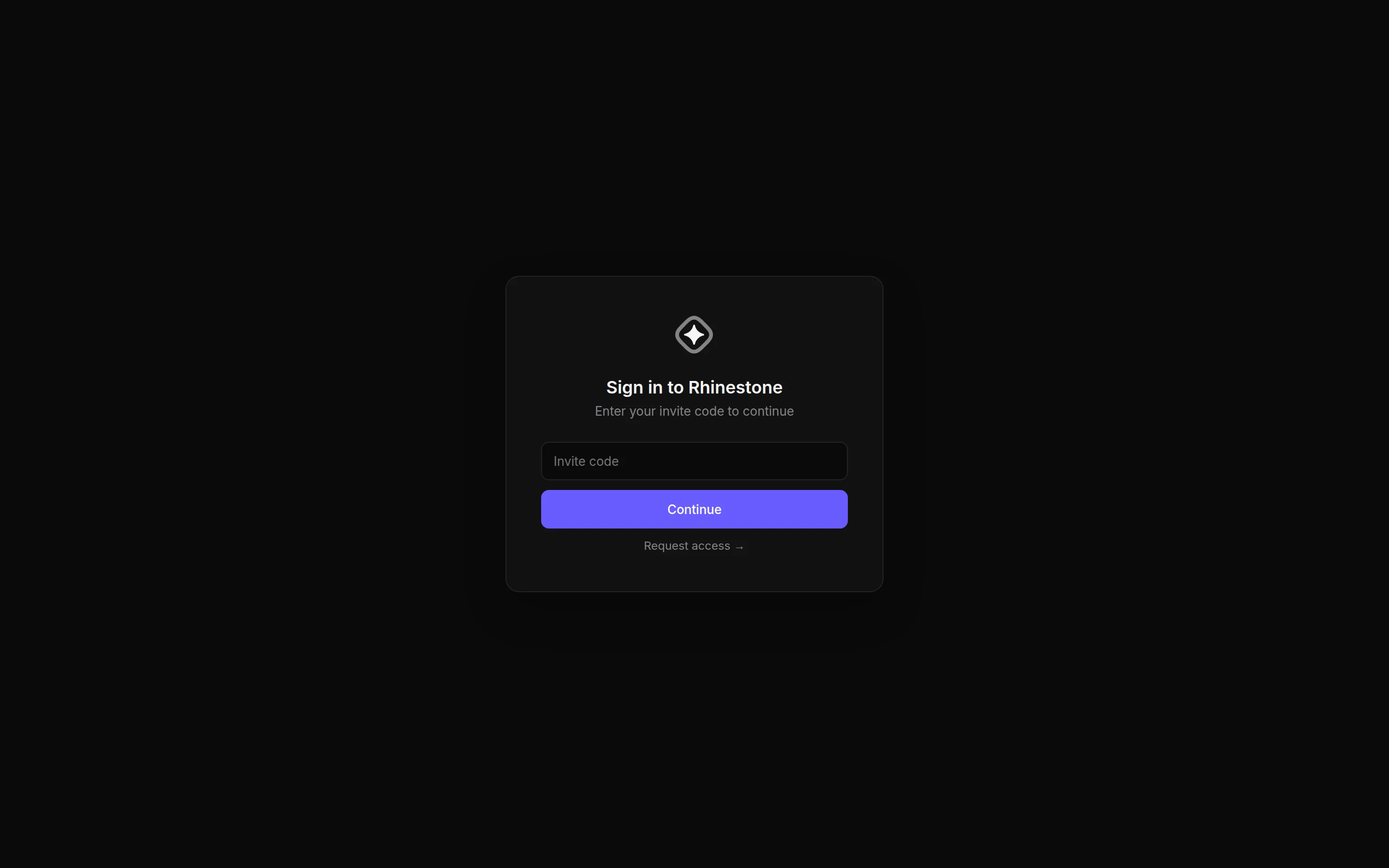
2
Continue with Google or GitHub
Once your code is accepted, sign in with Google or GitHub.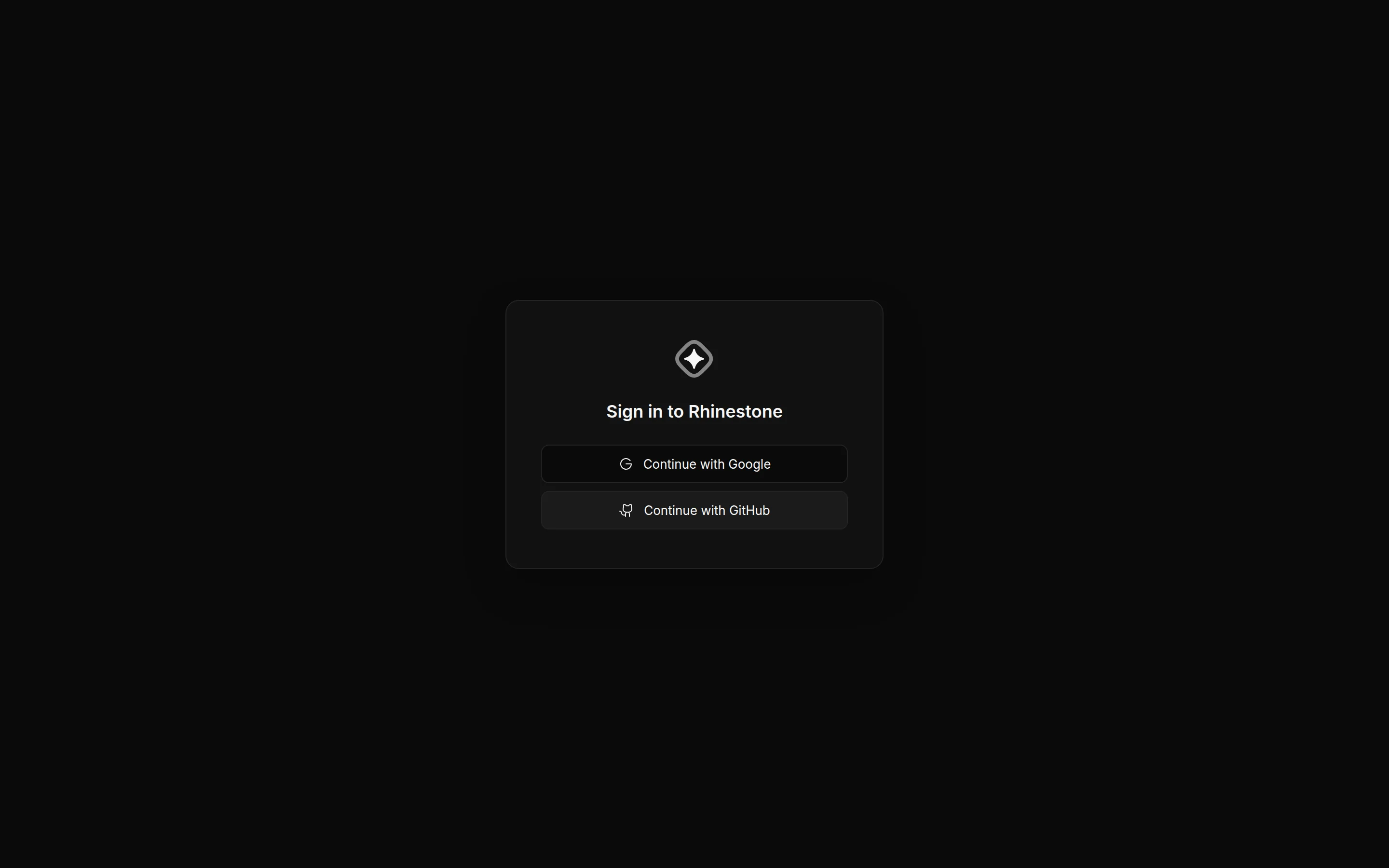
Finding your way around
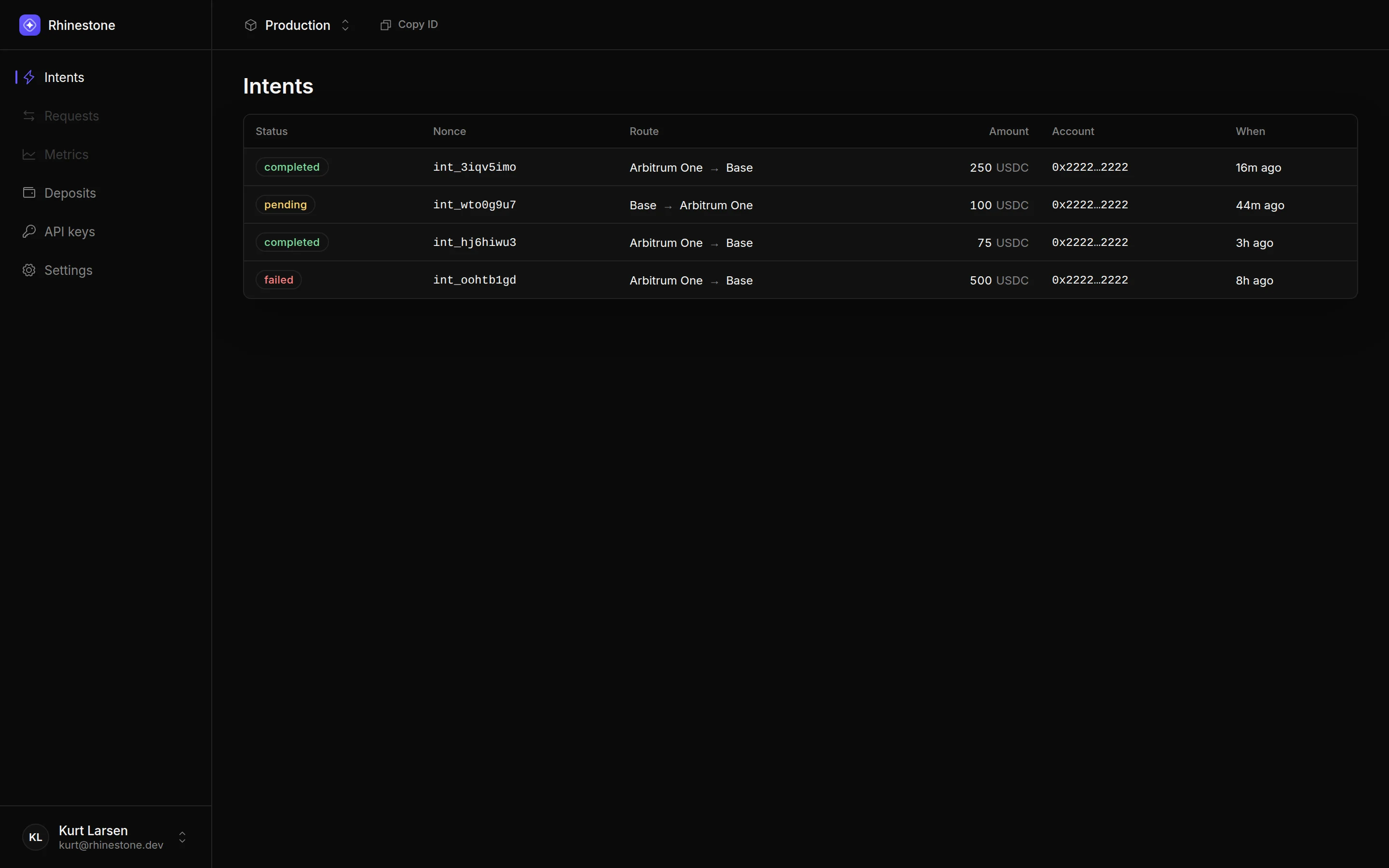
After signing in you land on your project. The sidebar holds the main sections:- Intents — monitor the intents your integration submits.
- Deposits — monitor deposits, and retry or refund failed ones.
- API keys — create and manage API keys and JWT keys.
- Settings — sponsorship balance and team management.
If your project has no API key yet, you’ll be taken to a “Send your first intent” page that walks you through creating one. See API keys.