> ## Documentation Index
> Fetch the complete documentation index at: https://docs.rhinestone.dev/llms.txt
> Use this file to discover all available pages before exploring further.
# Getting started
> Sign in, and find your way around the dashboard
The [Rhinestone Dashboard](https://dashboard.rhinestone.dev) is where you manage your project: create API keys, register JWT keys, fund sponsorship, invite your team, and monitor intents and deposits.
## Signing in
Access is currently invite-gated.
On the sign-in screen, enter your invite code and press "Continue".
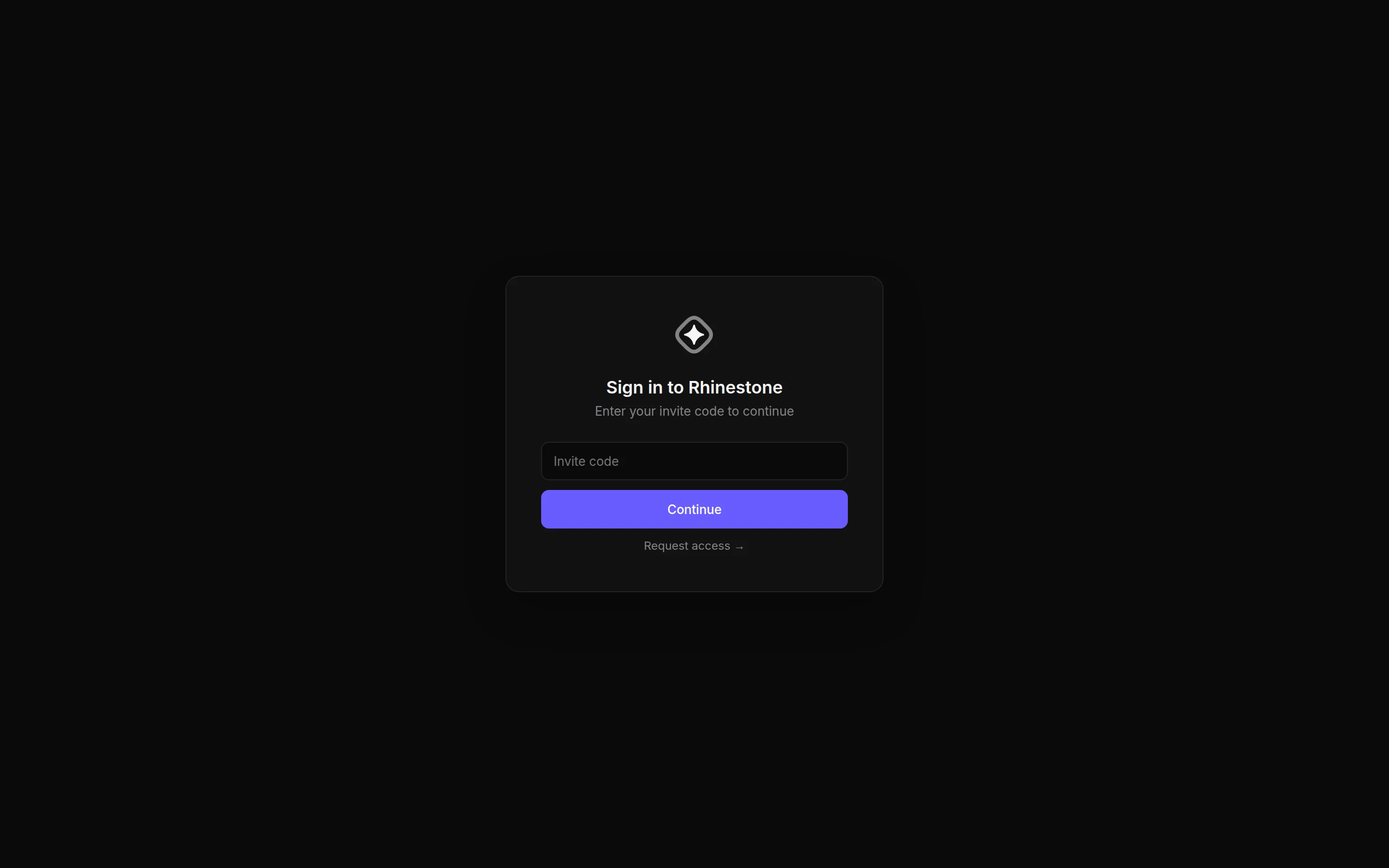 Don't have a code yet? Press "Request access" to join the waitlist.
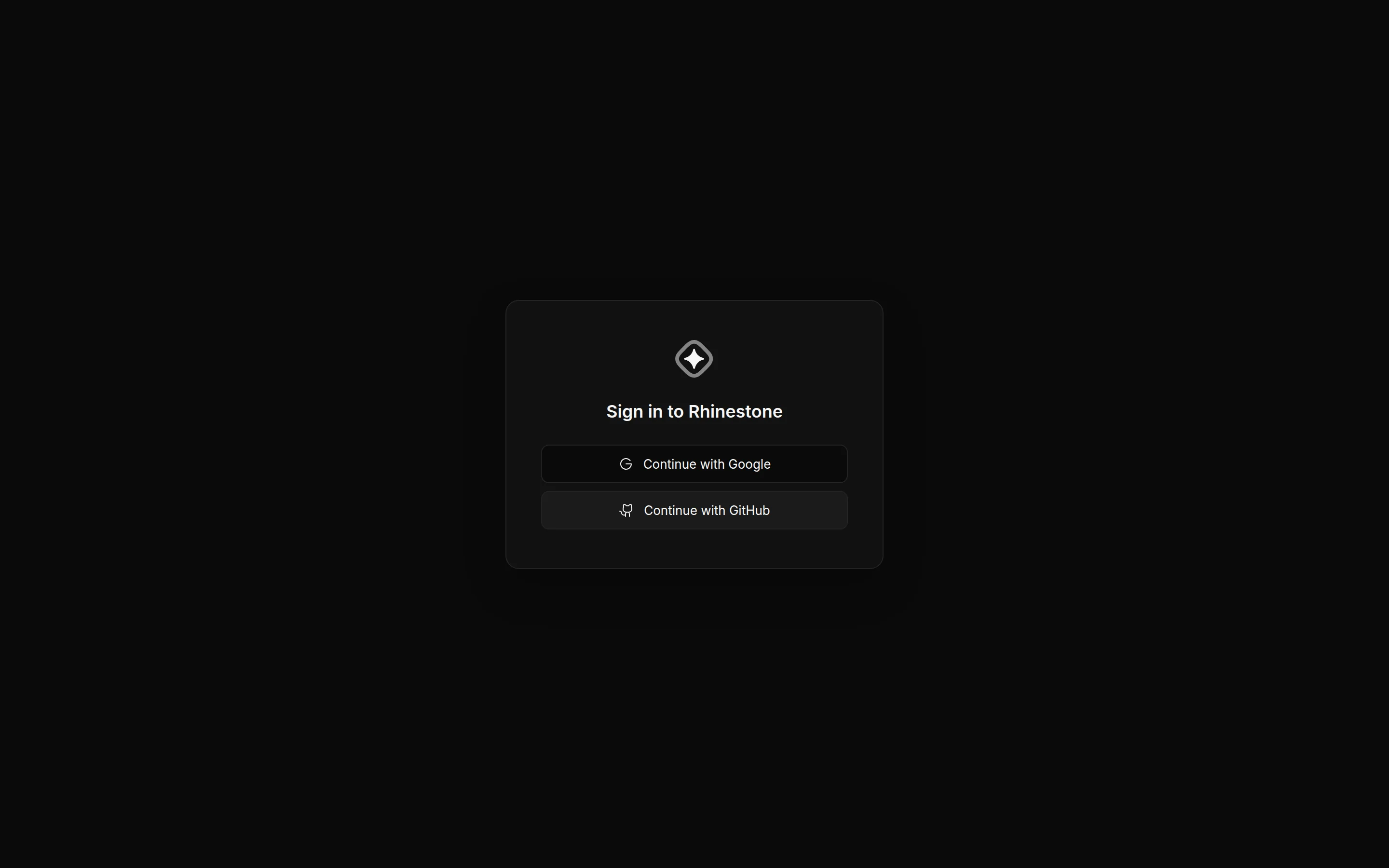
Once your code is accepted, sign in with Google or GitHub.
Don't have a code yet? Press "Request access" to join the waitlist.
Once your code is accepted, sign in with Google or GitHub.
 ## Finding your way around
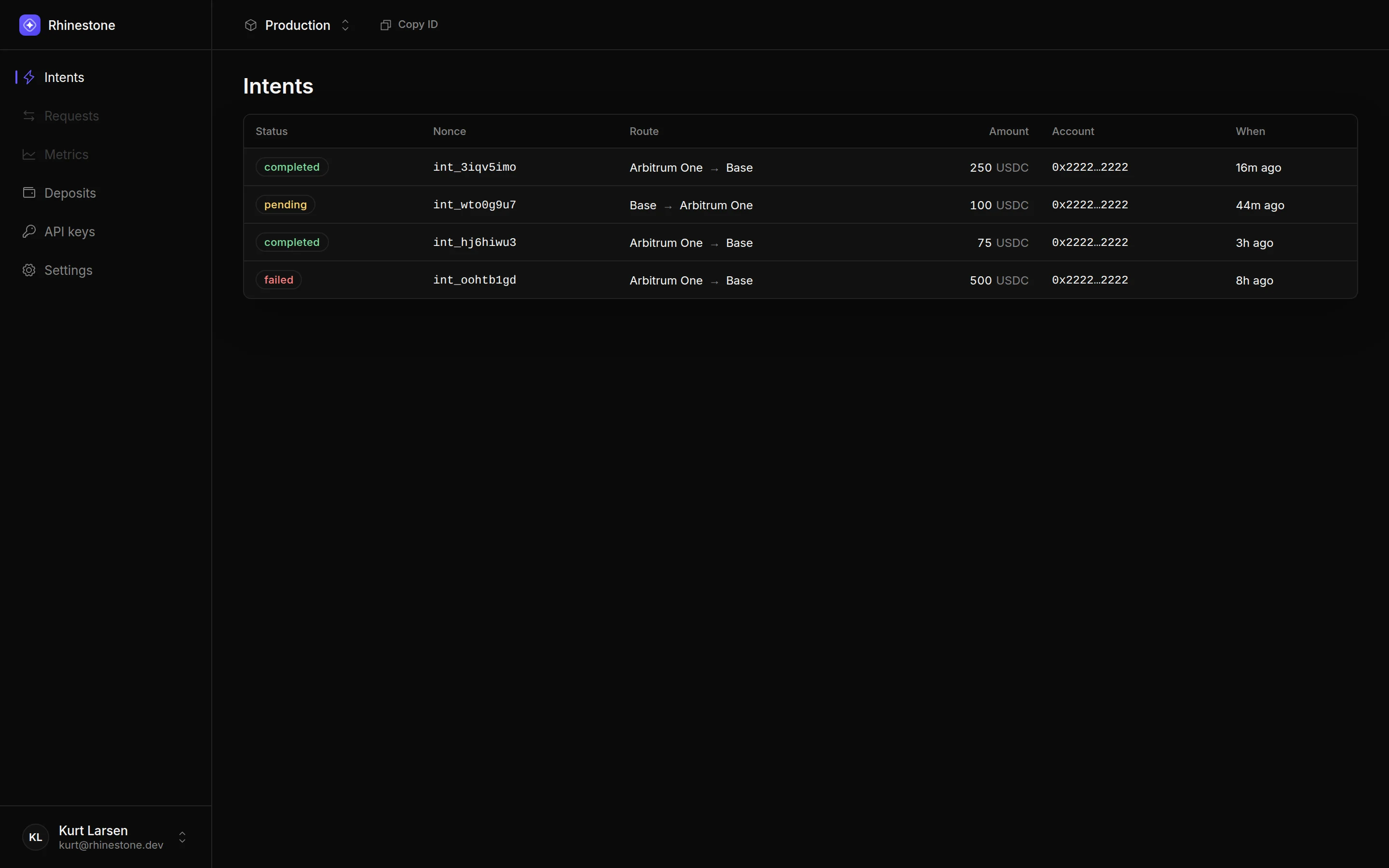
After signing in you land on your project. The sidebar holds the main sections:
* **Intents** — monitor the intents your integration submits.
* **Deposits** — monitor deposits, and retry or refund failed ones.
* **API keys** — create and manage API keys and JWT keys.
* **Settings** — sponsorship balance and team management.
## Finding your way around
After signing in you land on your project. The sidebar holds the main sections:
* **Intents** — monitor the intents your integration submits.
* **Deposits** — monitor deposits, and retry or refund failed ones.
* **API keys** — create and manage API keys and JWT keys.
* **Settings** — sponsorship balance and team management.
 If your project has no API key yet, you'll be taken to a "Send your first intent" page that walks you through creating one. See [API keys](/dashboard/api-keys).